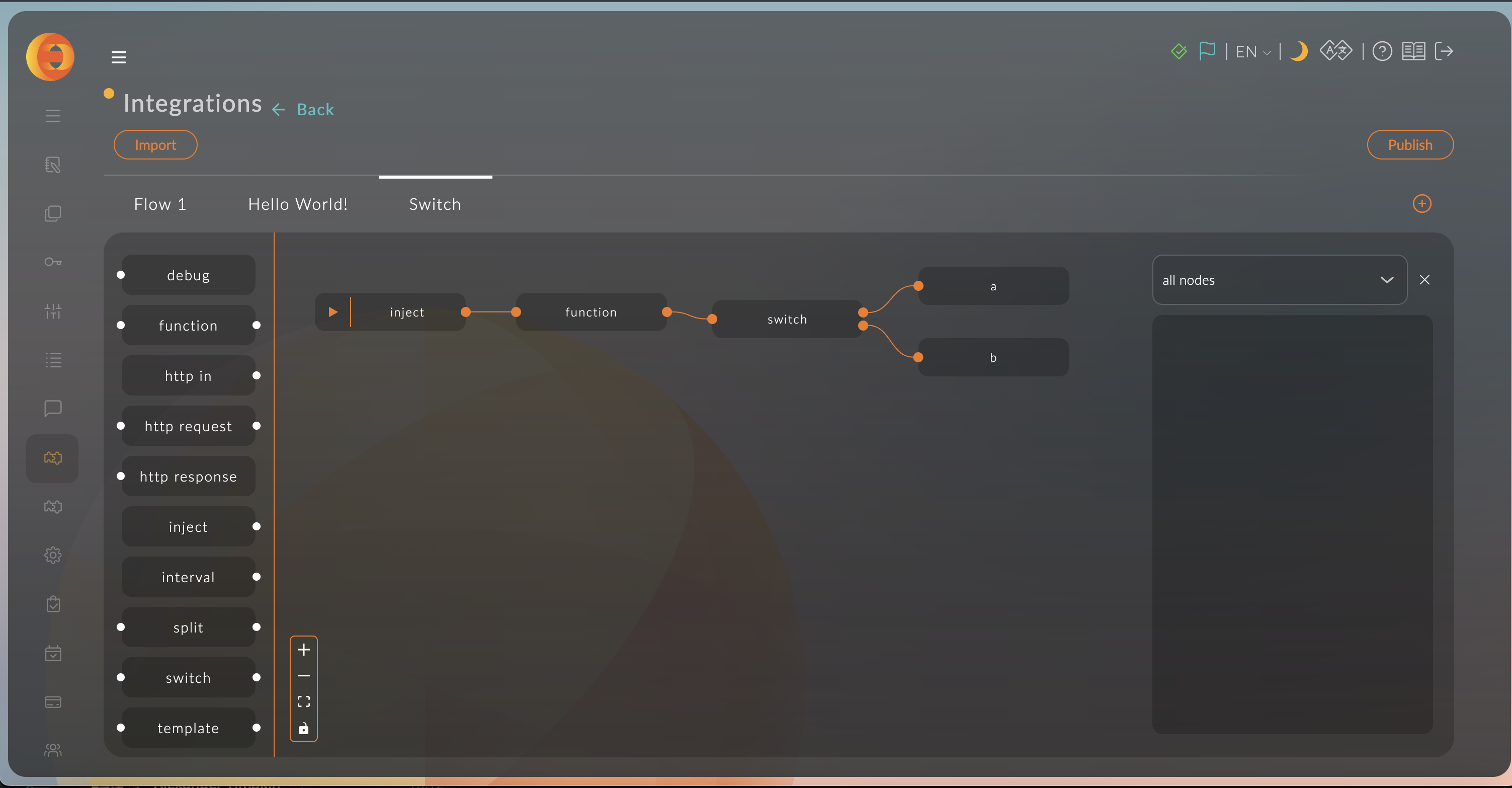
Impor
Fungsi impor memungkinkan Anda untuk mengimpor skema yang sudah jadi dari clipboard, dari file, atau memilih dari daftar contoh.
Impor dari JSON
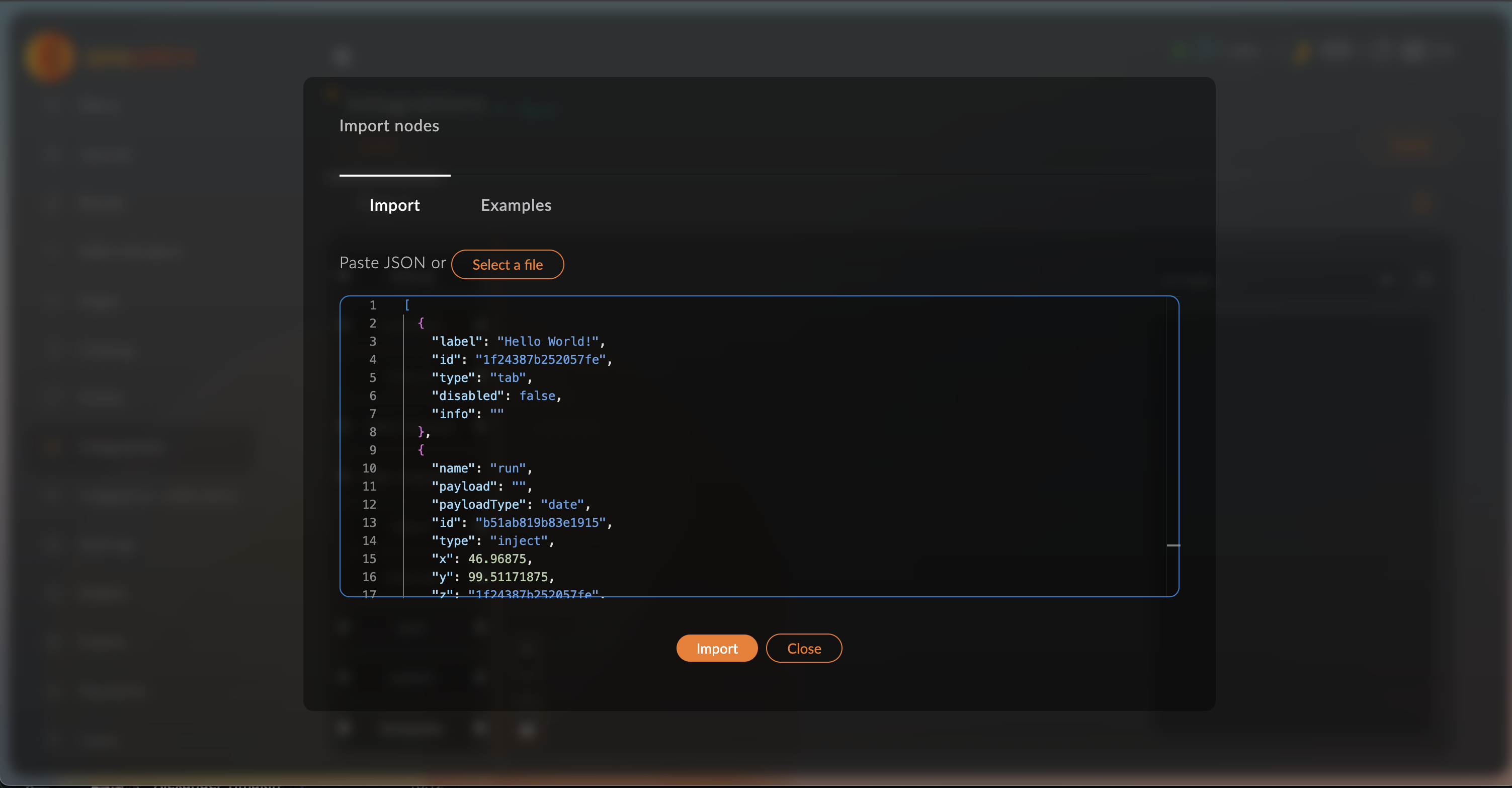
Salin contoh ini dan tempelkan ke dalam editor, lalu klik tombol Impor.
[
  {
    "label": "Hello World!",
    "id": "1f24387b252057fe",
    "type": "tab",
    "disabled": false
  },
  {
    "name": "run",
    "id": "b51ab819b83e1915",
    "type": "inject",
    "x": 46.96875,
    "y": 99.51171875,
    "z": "1f24387b252057fe",
    "wires": [
      [
        "bd07e1ff0aedba0b"
      ]
    ]
  },
  {
    "id": "2b524ca59e4ed633",
    "type": "debug",
    "name": "debug",
    "x": 610.05078125,
    "y": 98.59765625,
    "z": "1f24387b252057fe",
    "wires": []
  },
  {
    "name": "function",
    "func": "msg.payload = 'World'\n\nreturn msg;",
    "id": "bd07e1ff0aedba0b",
    "type": "function",
    "x": 229.62890625,
    "y": 98.8515625,
    "z": "1f24387b252057fe",
    "wires": [
      [
        "2e1172b330c69aeb"
      ]
    ]
  },
  {
    "id": "2e1172b330c69aeb",
    "type": "template",
    "name": "template",
    "x": 418.66796875,
    "y": 98.19140625,
    "z": "1f24387b252057fe",
    "syntax": "mustache",
    "template": "Hello {{payload}} !",
    "output": "str",
    "wires": [
      [
        "2b524ca59e4ed633"
      ]
    ]
  }
]
Anda dapat melihat deskripsi rinci tentang parameter di Deskripsi Skema JSON.
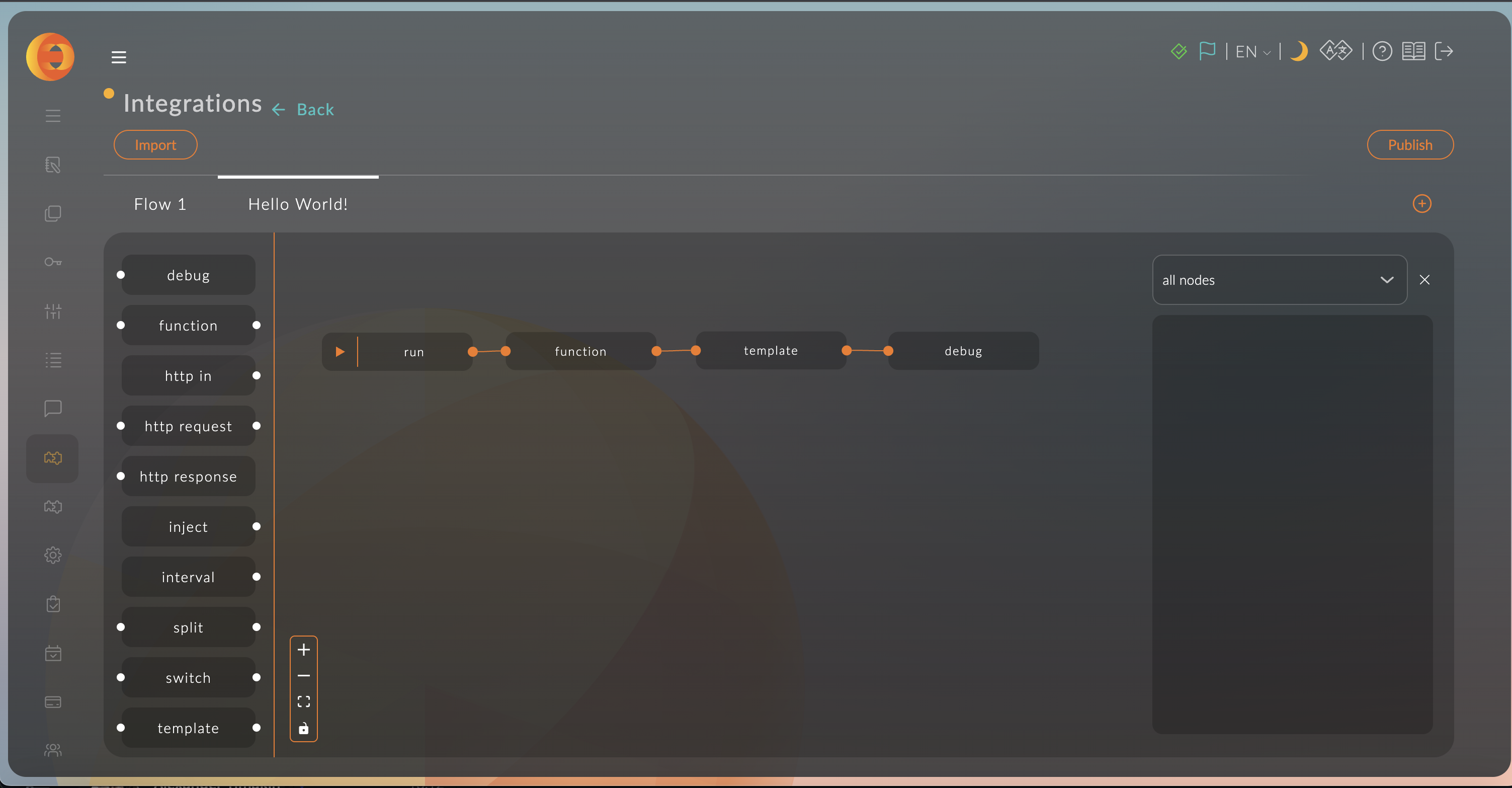
Anda akan melihat contoh yang diimpor.
Impor dari Contoh
Klik pada tab Contoh dan pilih salah satu contoh. Kemudian klik tombol Impor.
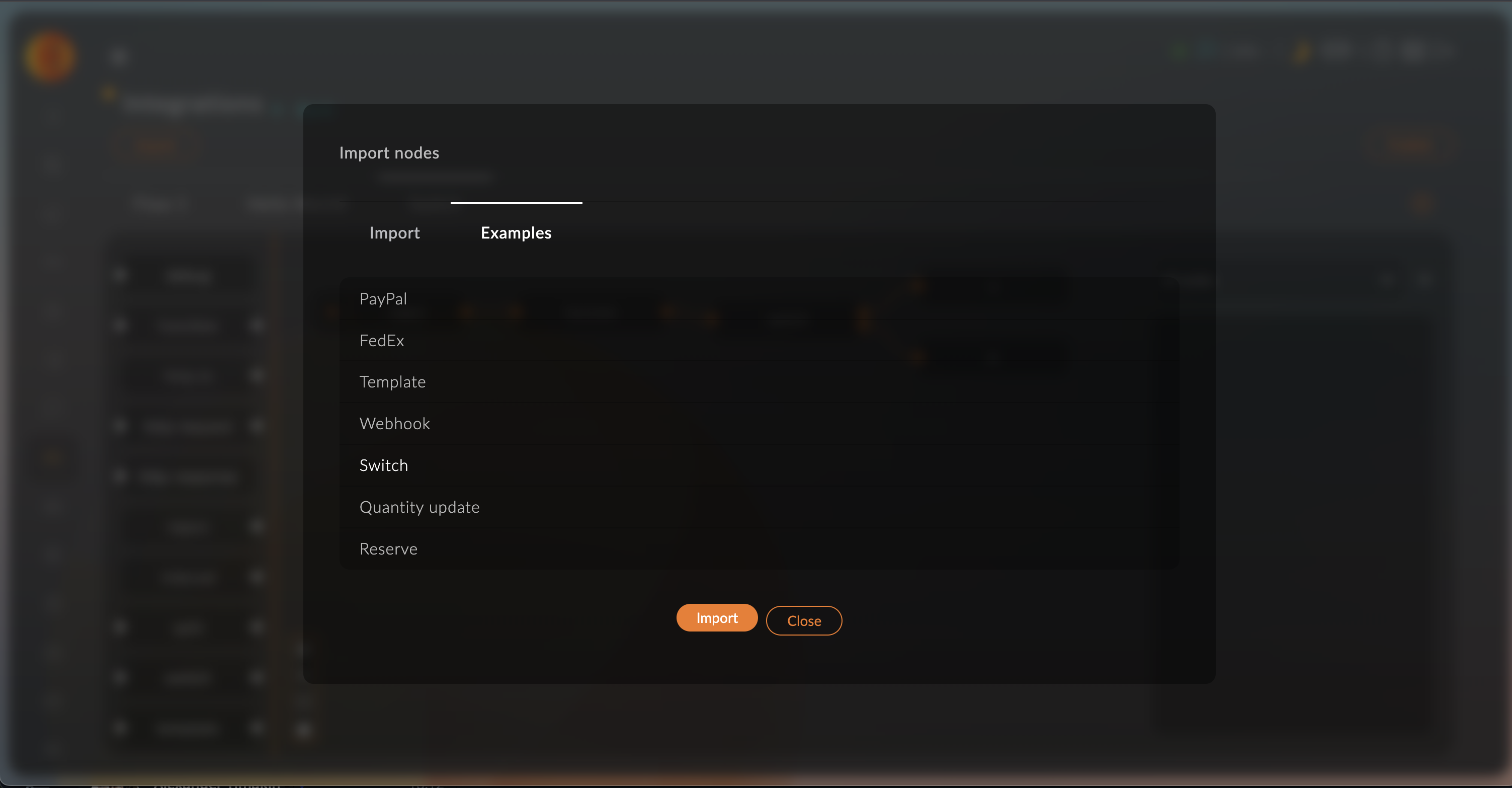
Anda akan melihat contoh yang diimpor.