Node inject
The inject node is used to manually create and send messages into the flow. It is one of the key tools for testing.
Settings for the inject Node
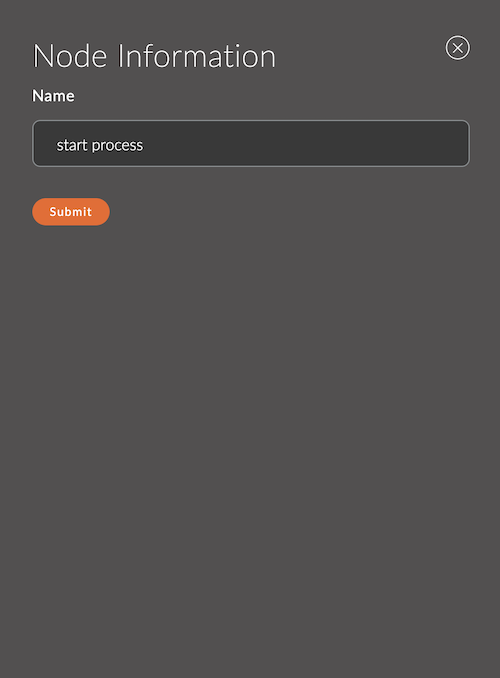
1. Name
A field for specifying the name of the node.
The name is displayed in the workspace and helps to easily identify the node.
If left empty, the node will be called inject.
Example:
- Node name:
start process
Input
The inject node does not accept incoming messages, as it generates messages for the flow itself.
Output
The inject node sends msg.payload with a timestamp.
Usage Examples
Example 1: Test Flow Start
Flow:
[inject] ---> [function] ---> [debug]
Result: The node will send a test message into the flow.