The split node
The split node breaks an incoming message into several messages. It is especially useful with arrays when you need to process each element separately.
split node settings
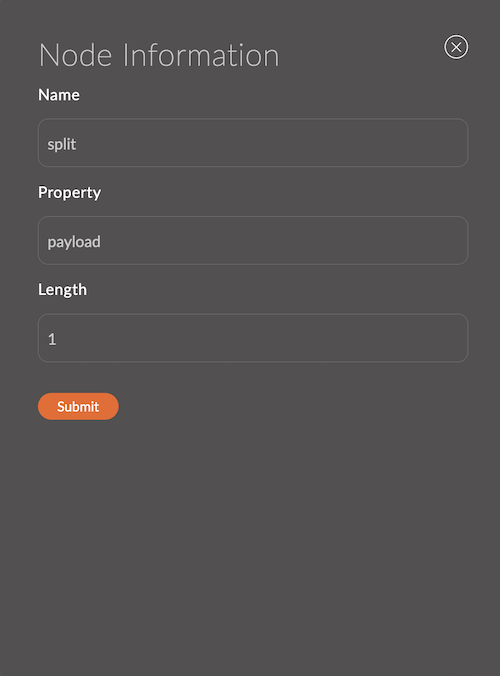
1. Name
The node name.
It appears in the workspace and helps you identify the node.
If you leave it empty, the node is named split.
Example:
- Node name:
split items
2. Property
The property of the msg message object to split.
Example:
msg.payloadmsg.items
3. Length
The number of parts to split the message into.
Example:
- 2
Input
The node accepts a msg object.
The Property field sets which properties are checked.
Output
Each element of the incoming message is sent as a separate message. msg.parts contains the element's position in the original message.
Example msg.parts:
{
  "id": "12345",
  "index": 0,
  "count": 3
}
Usage examples
Example 1: Splitting an array
Flow:
[inject] ---> [split] ---> [debug]
Incoming message:
{
  "payload": ["apple", "banana", "cherry"]
}
Result: The split node sends three separate messages with msg.payload set to apple, banana, and cherry.